

Guests answered, hours right everywhere, the books kept.
Your office answers the questions guests ask every day from your own menu and rules, keeps your opening hours the same on Google, plans posts around your dishes and the days that matter, and reads every supplier invoice.
Updated 15 October 2026
The questions guests ask every day.
- Hours, menu, takeaway, parking. Answered from your own rules, in the guest's language, at any hour, including kitchen hours if they differ.
- Allergies, carefully. Your office answers allergy and diet questions only from what your rules say, and for a serious allergy it tells the guest to speak to your staff when ordering. It never guesses whether a dish is safe; a question your rules do not cover comes to you.
- Groups and reservations. Guests are told how to reserve and what applies to groups, from your own rule. Your office never tells a guest a table is booked when it is not.
- Holiday hours. Your closed days are known to your office, so nobody is told you are open when you are not.
Your hours, the same everywhere.
Your opening hours, breaks and closed days live in one form. When they change, your office prepares the same change for your Google Business Profile and sends it when you press it; your Facebook Page follows the same way once Meta has approved Neaion. For Instagram, X and TikTok you get the text ready to paste into your profile. Guests stop finding three different answers in three places.
Posts made from your own dishes and room.
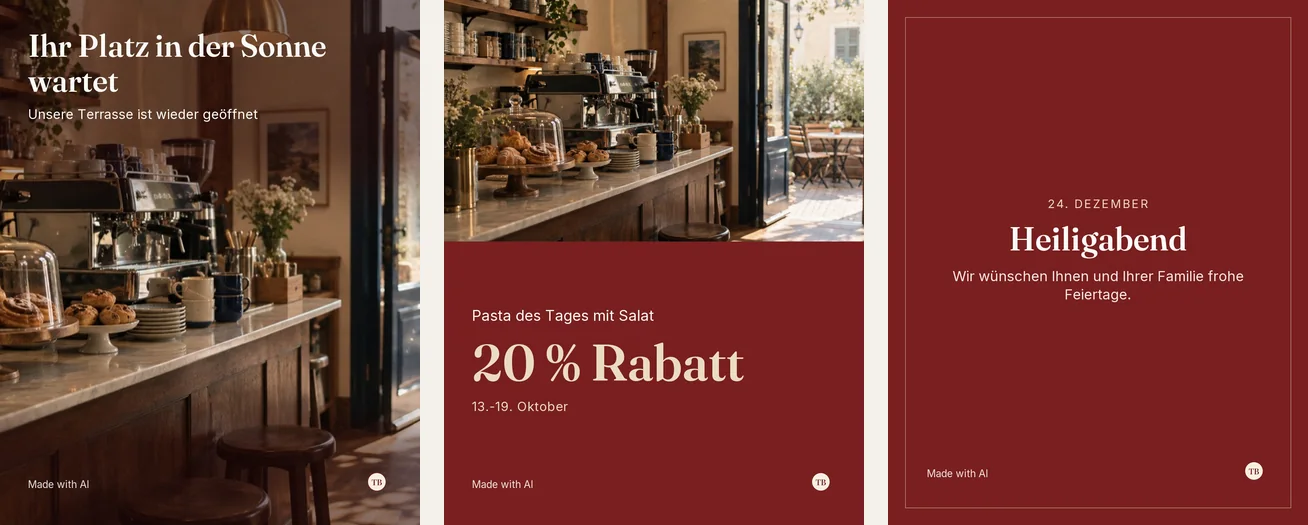
Your office plans the month's posts from your own photos, around the days that matter where you are: your country's holidays, your trade's own days, and days you add yourself, such as the first terrace day. An offer is posted only from your own offer form, and in the EU and Türkiye with the lowest price of the last 30 days that the law asks for. Every post waits for your OK.
Supplier invoices, read and watched.
Invoices from your suppliers are read from your mailbox, from photos and from e-invoices, every figure checked by code. Once a month you see what moved: a product that costs 10% more than last month from the same supplier, another supplier who sold you the same thing for less, and the bills still to pay. The same invoice arriving twice is counted once, and a supplier's new bank account is flagged before you pay.
It starts with the rules a restaurant needs.
Your office starts from rules made for restaurants and cafés, each with blanks for your own answers. Nothing answers a guest until you have filled it in and switched it on. Its tone is welcoming and short, like a host at the door.
The rules it starts with
- Opening and kitchen hours, closed days
- Menu and prices
- Allergies and dietary needs
- Reservations and groups
- Takeaway and delivery, location and step-free access
Asked before you start.
Can it answer allergy questions?
Only from what your rules say, and for a serious allergy it tells the guest to speak to your staff when ordering. It never guesses whether a dish is safe; a question your rules do not cover comes to you.
Does it take table reservations?
It tells guests how to reserve and what applies to groups, from your own rule, and never says a table is booked when it is not. It does not manage your tables.
Does it update my hours on Google?
When your hours or closed days change, it prepares the same change for your Google Business Profile and sends it when you press it. You can also let it keep Google up to date by itself.
What does it do with supplier invoices?
It reads them from your mailbox, photos and e-invoices, checks every figure, and shows you each month which products cost more and which supplier sold the same thing for less.
Read next
Set up your office in an afternoon.
Free to set up, no card needed. It reads your website, asks what it could not find, and nothing goes live until you have checked it.